GoSync iOS Now Supports Deep Analysis of Apple Health Data
2026-06-12
GoSync iOS Now Supports Deep Analysis of Apple Health Data
GoSync: How to Connect to Health Connect
New version of GoSync released!
Health Data Sync Supported Within GoSync!
How to use GoSync?
GoSync, connect your workouts
GoSync iOS Now Supports Deep Analysis of Apple Health Data
2026-06-12
GoSync iOS v1.1.6 now supports Apple Health data synchronization! With just a one-tap authorization, you can sync your sleep, steps, active energy, heart rate,and other health data from Apple Health to GoSync. GoSync will combine these metrics to provide deep insights, including your recovery status and sleep regularity, helping you understand your body better.
1.Authorize GoSync to Access Your Apple Health
1)Step 1: Update GoSync to v1.1.6. If you haven't installed GoSync yet, please download it from the App Store and refer to the How to use GoSync? to register and log in.
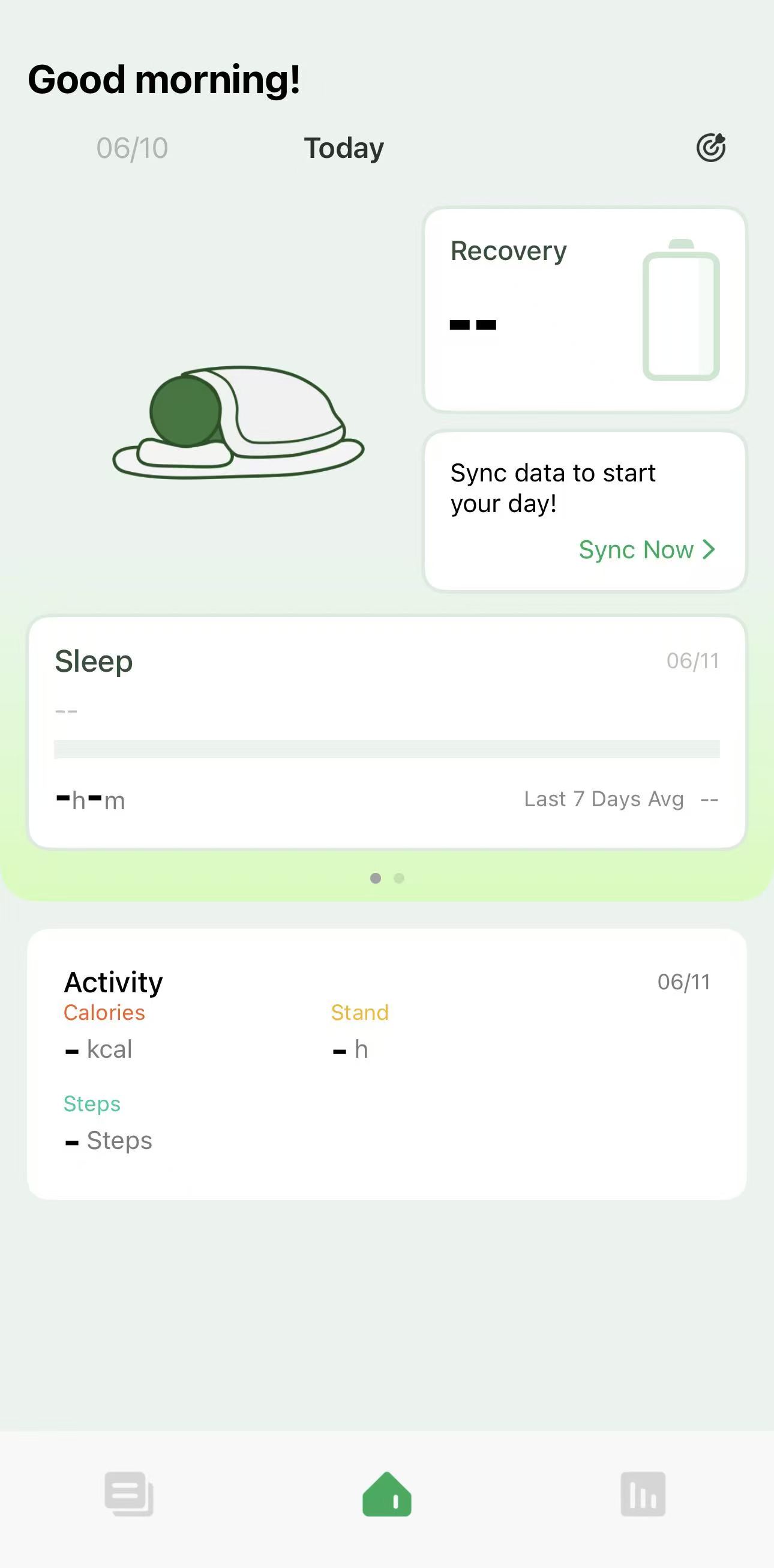
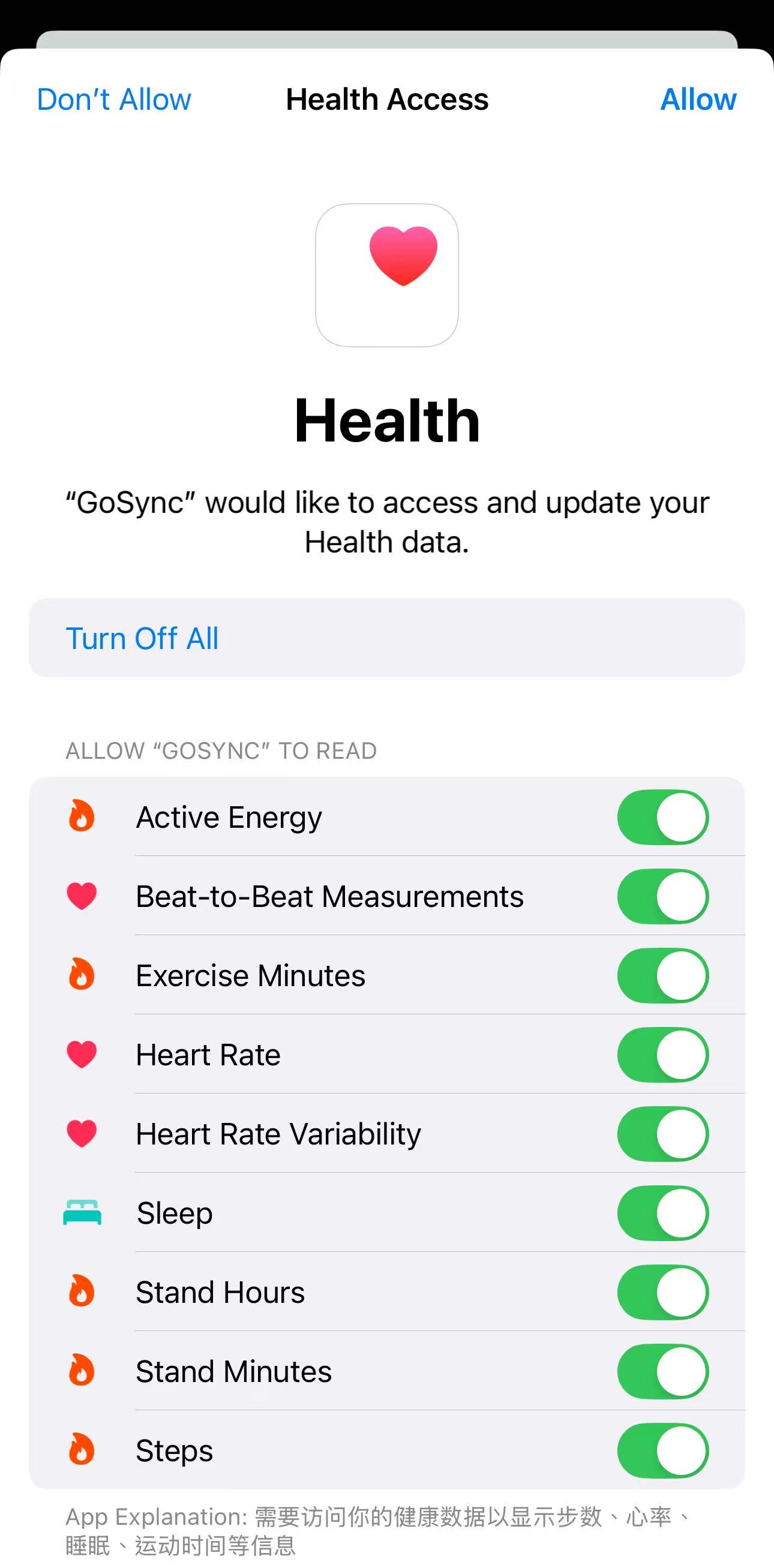
2)Step 2: Log in to GoSync Home → Tap "Sync Now" → Tap "Turn On All" → Tap "Allow" → Wait for the data synchronization to complete.
2.View Your Data
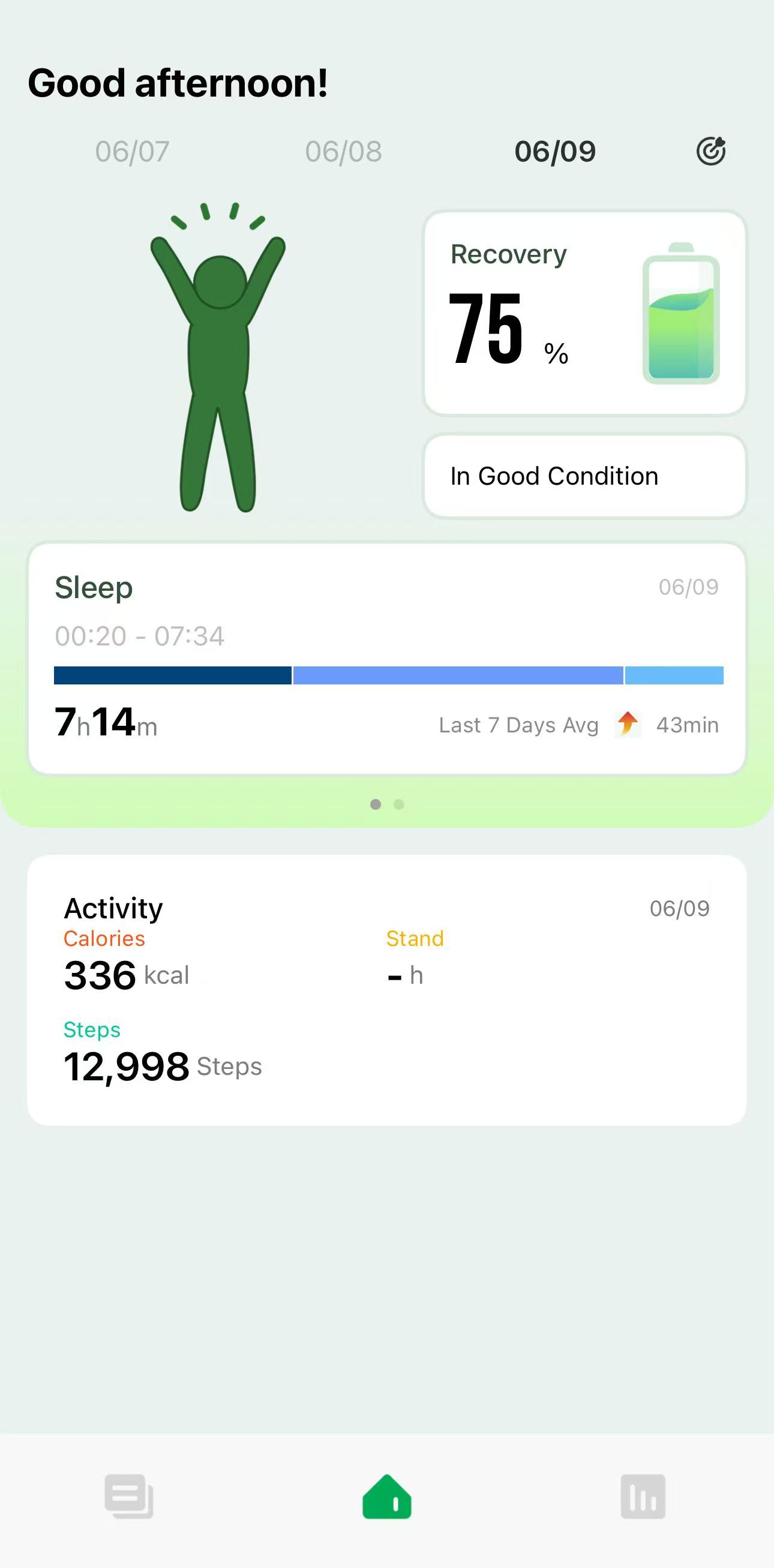
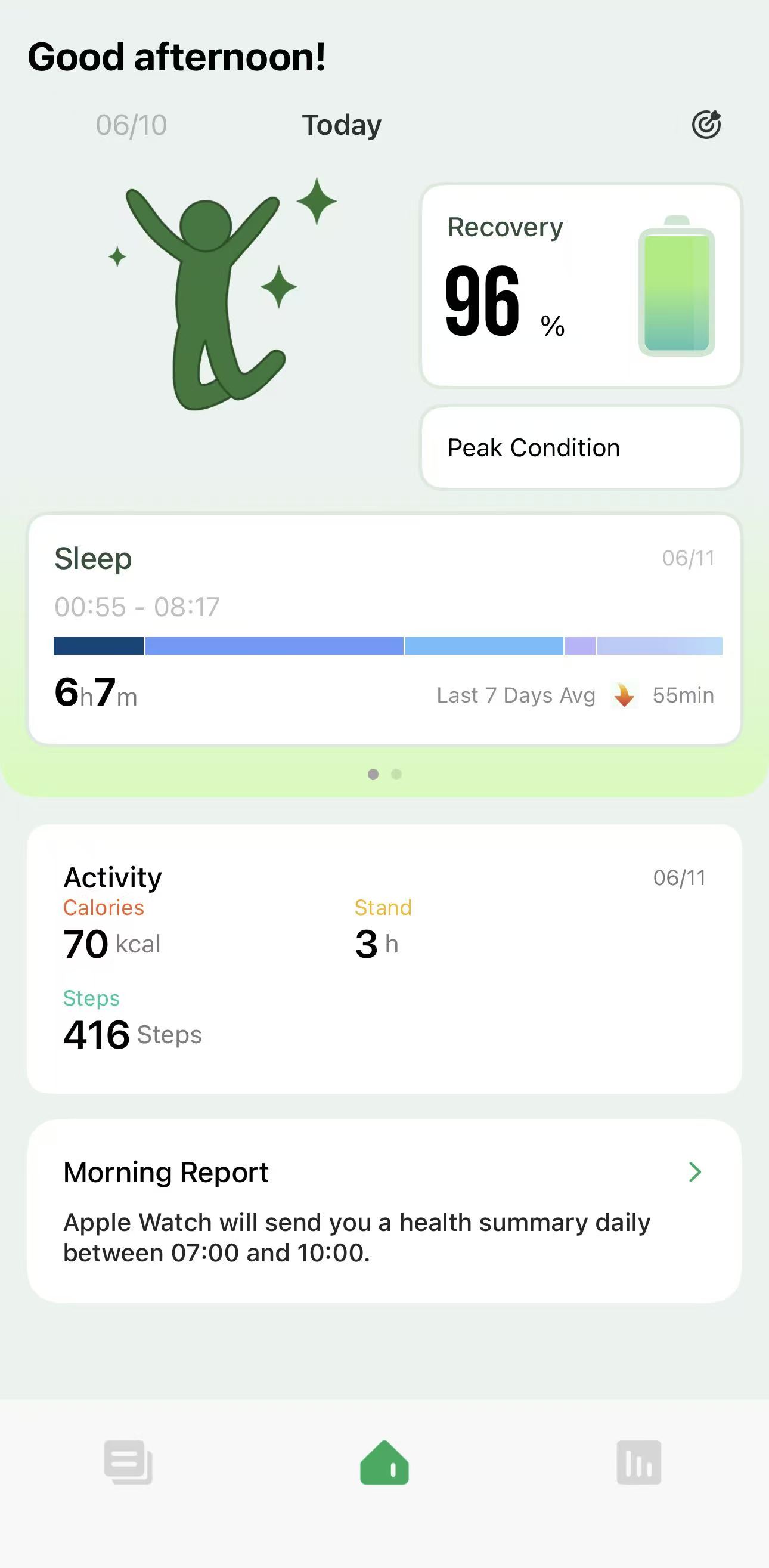
1)Daily Status:Go to the App Home screen to view your daily status overview. GoSync integrates your sleep, activity, HRV, and other data to analyze your daily recovery status. You can quickly see how well you've recovered today via the "battery level" and plan your day accordingly.
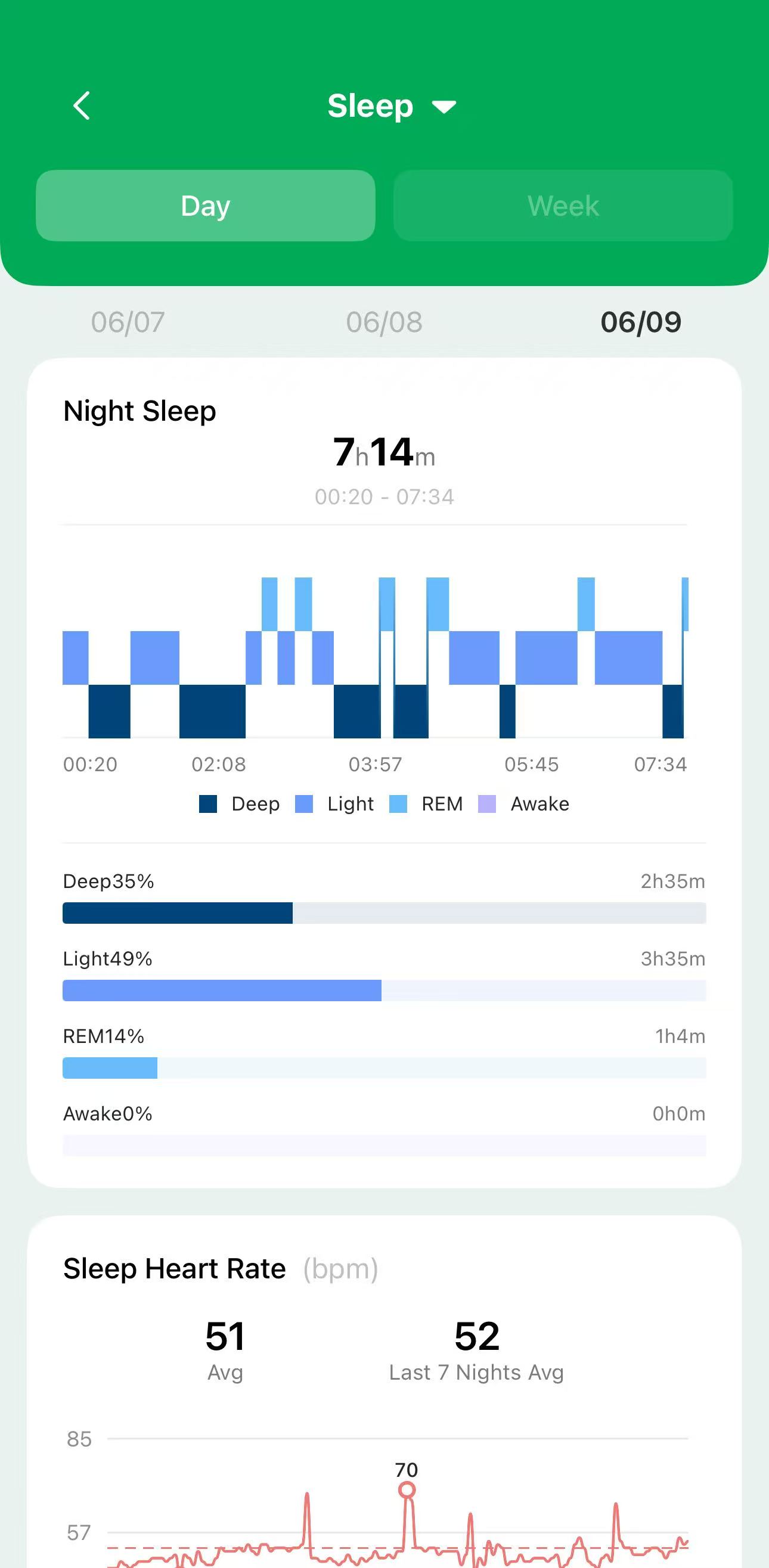
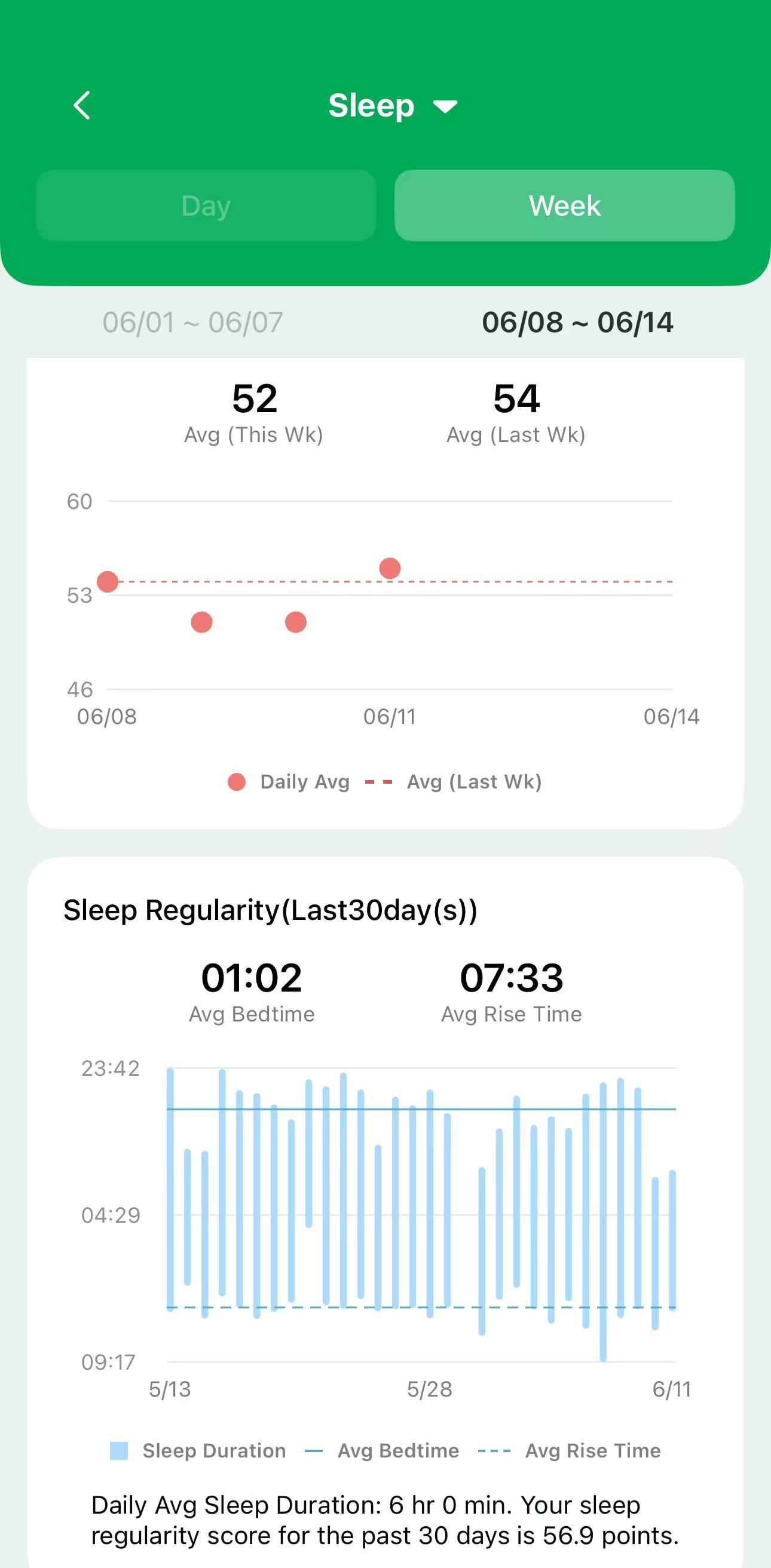
2)Sleep Analysis: Tap the Sleep card on the App Home screen to view your sleep. You can check your daily sleep details and monitor your sleep regularity over the past 7 days and 30 days. The sleep regularity score offers a clear, straightforward way to understand your mid-to-long-term sleep habits.
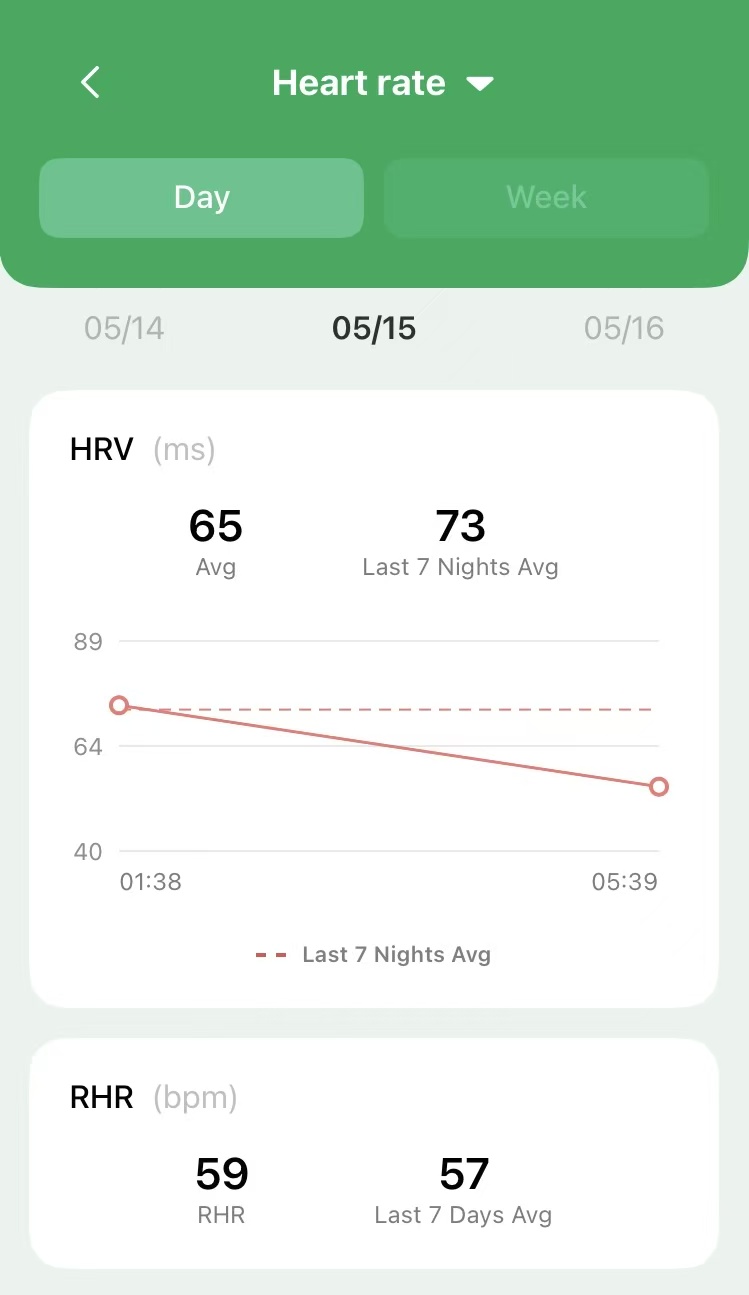
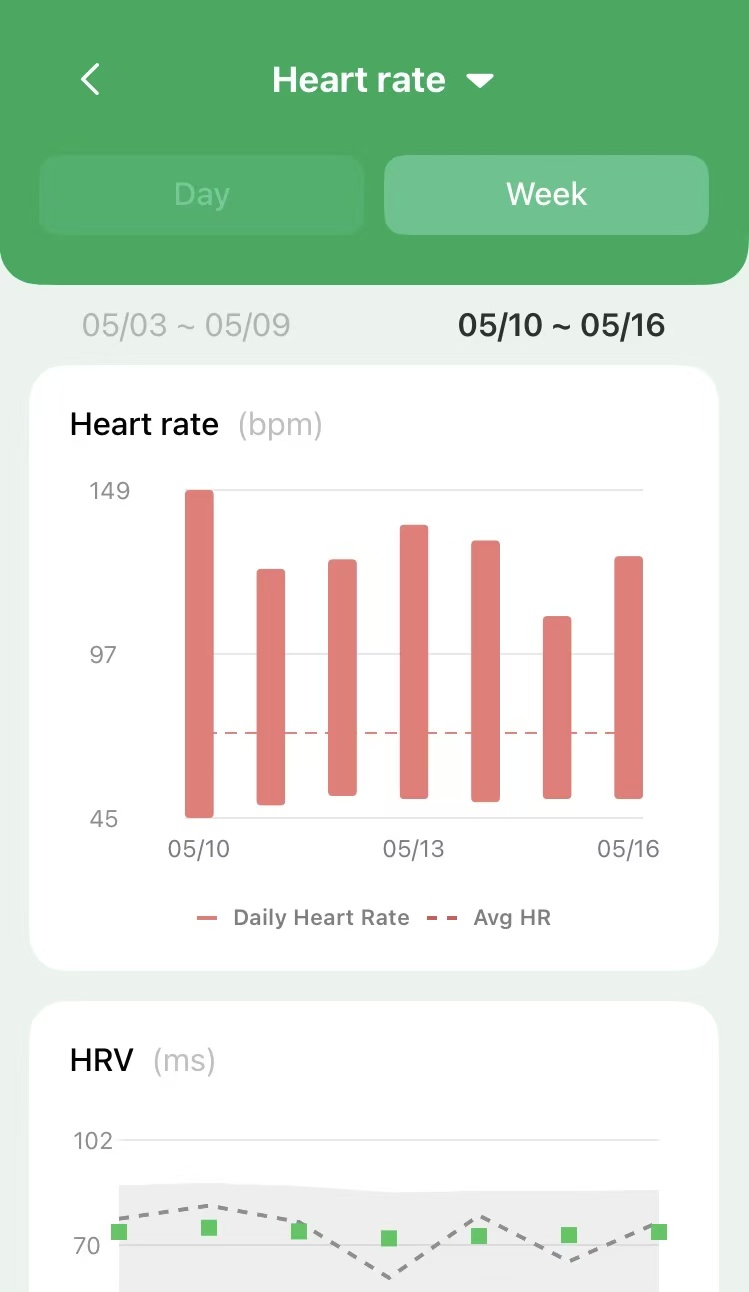
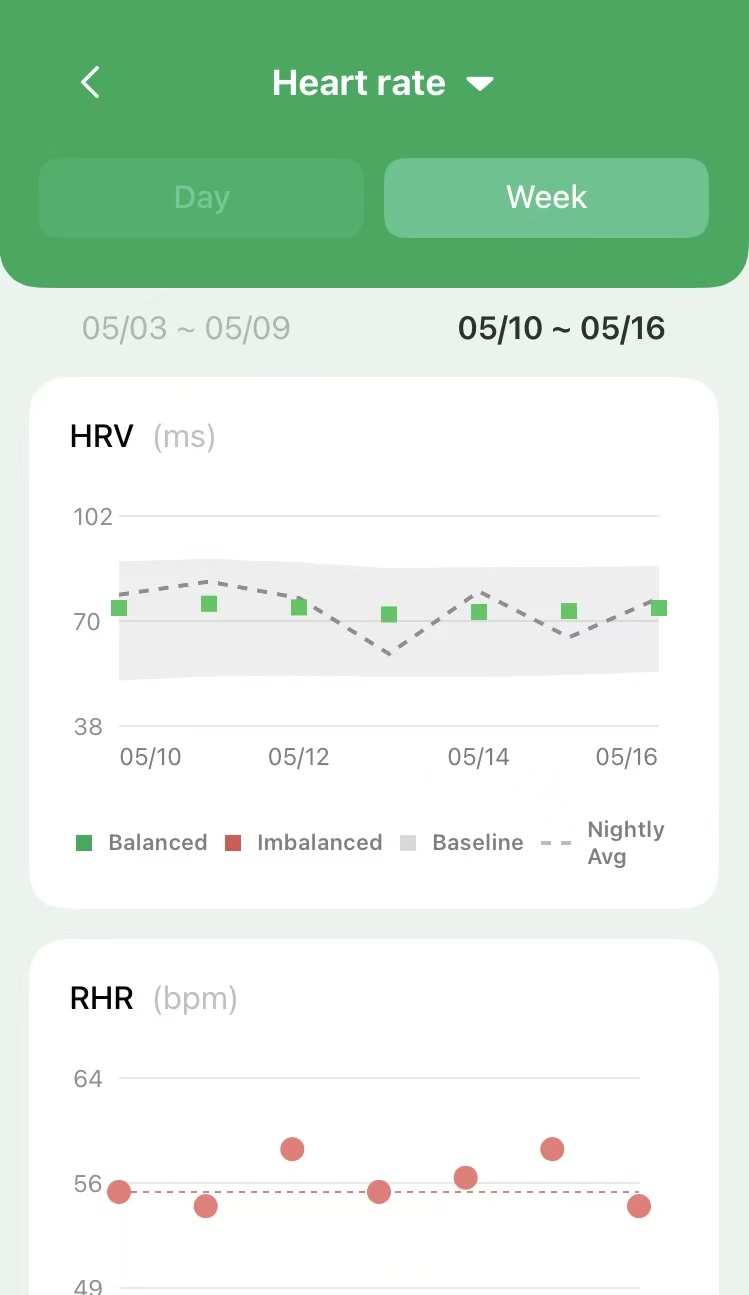
3) Heart Rate Analysis: Tap the Heart Rate card on the App Home screen to view more detailed heart rate data.
3.3.Morning Report
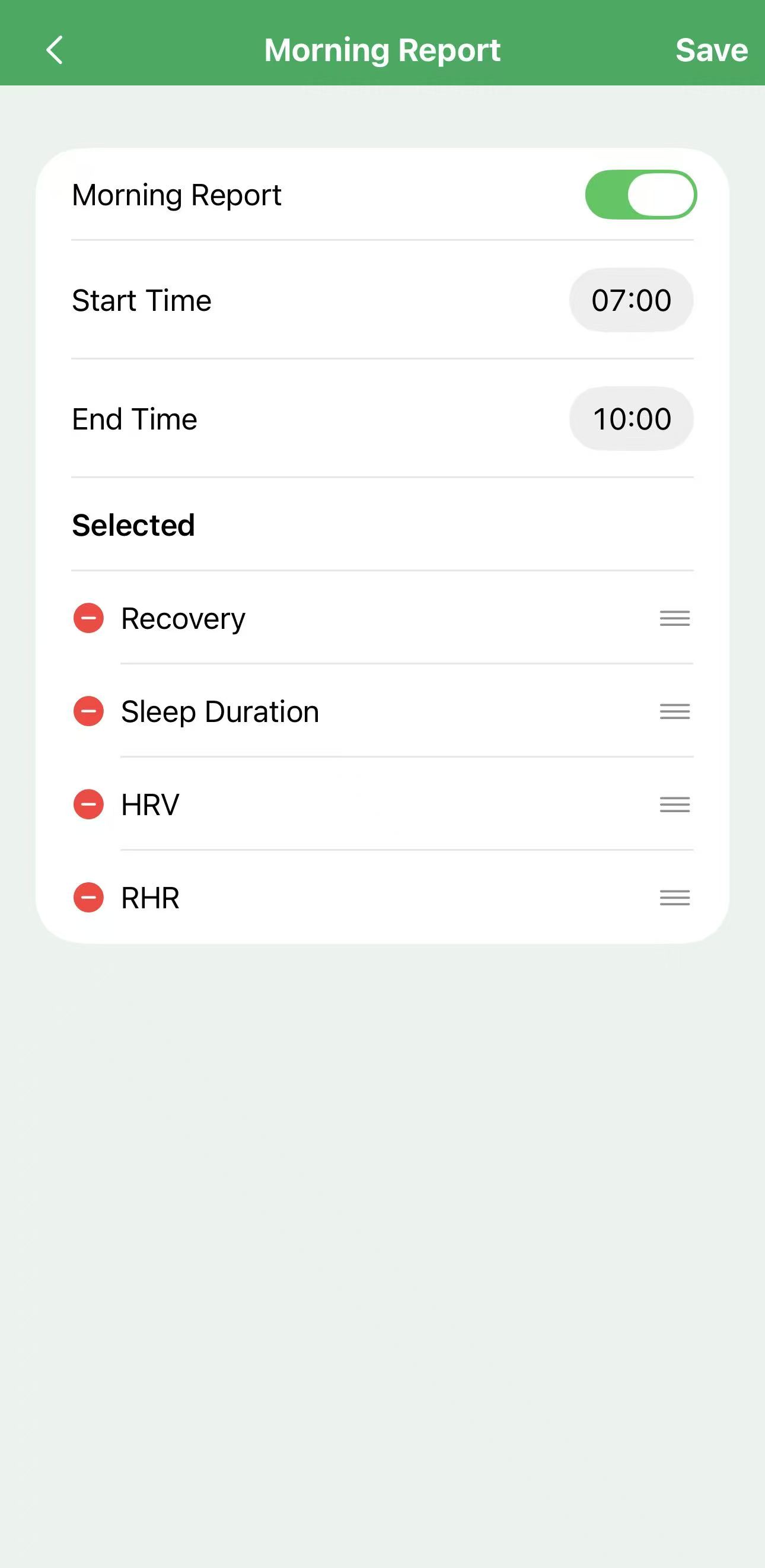
If your iPhone is paired with an Apple Watch, you can also install the watch version of GoSync. Simply open GoSync on your watch every morning to be the first to view your health report for the day!
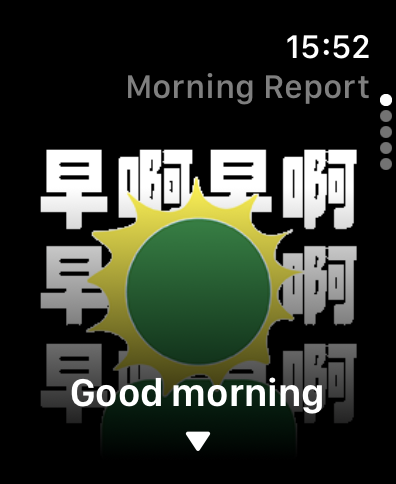
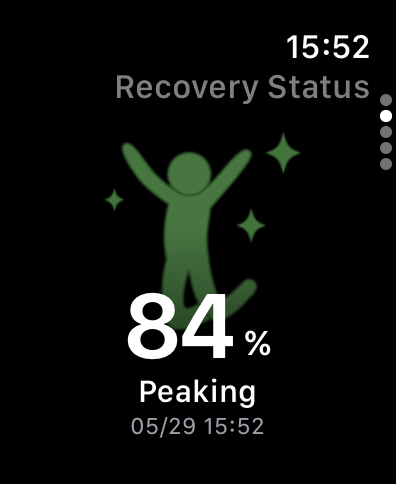
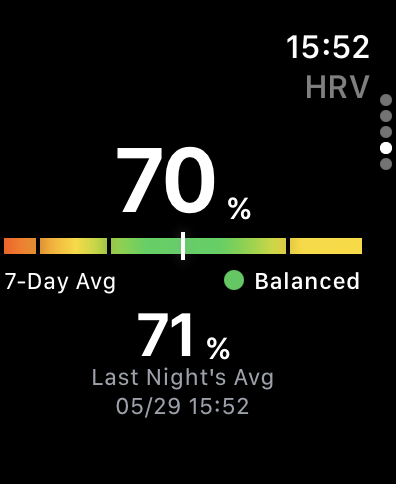
Tip: On the mobile version of GoSync, tap the "Morning Report" card to adjust your Morning Report settings~
4.Other Notes
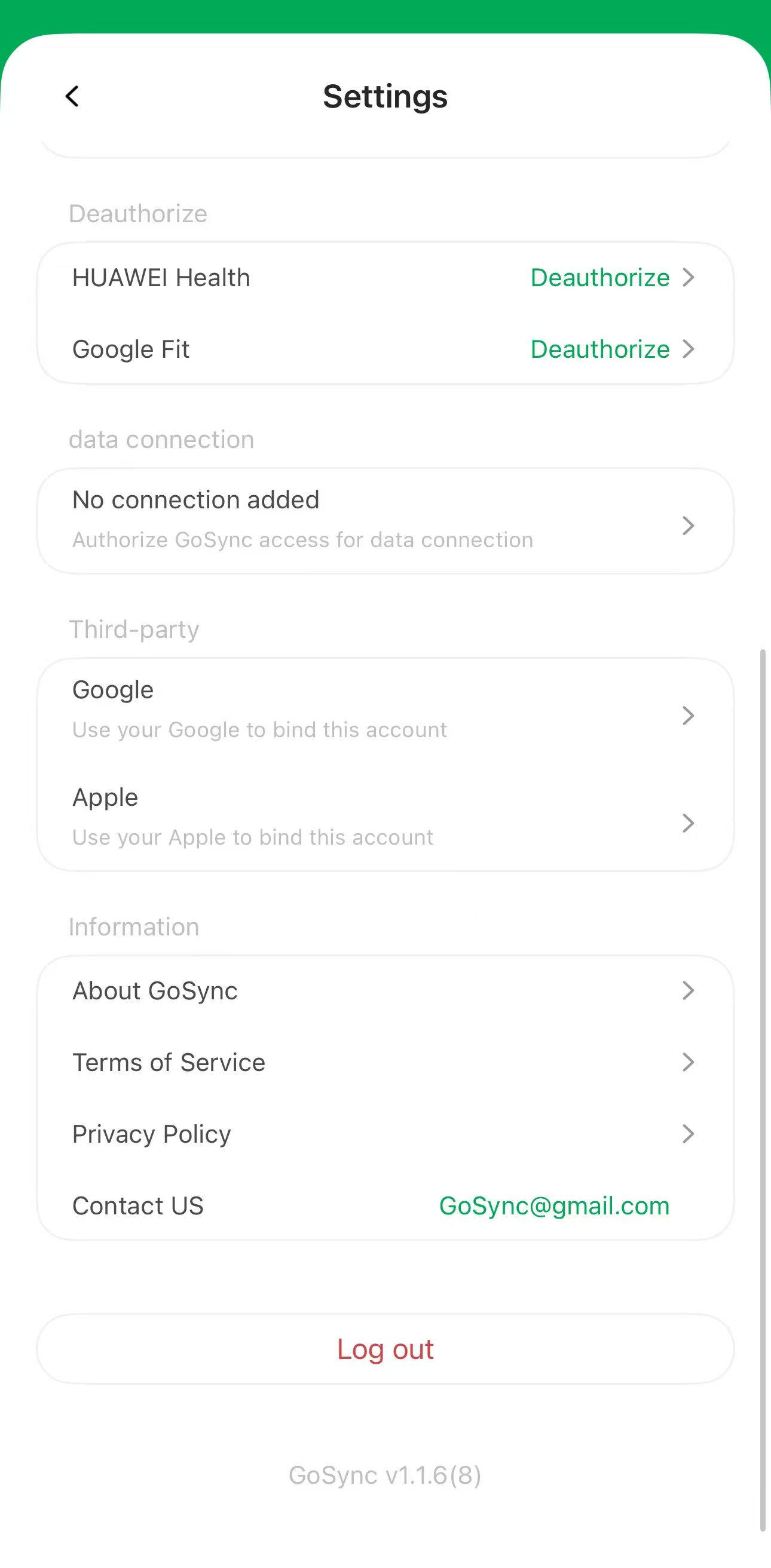
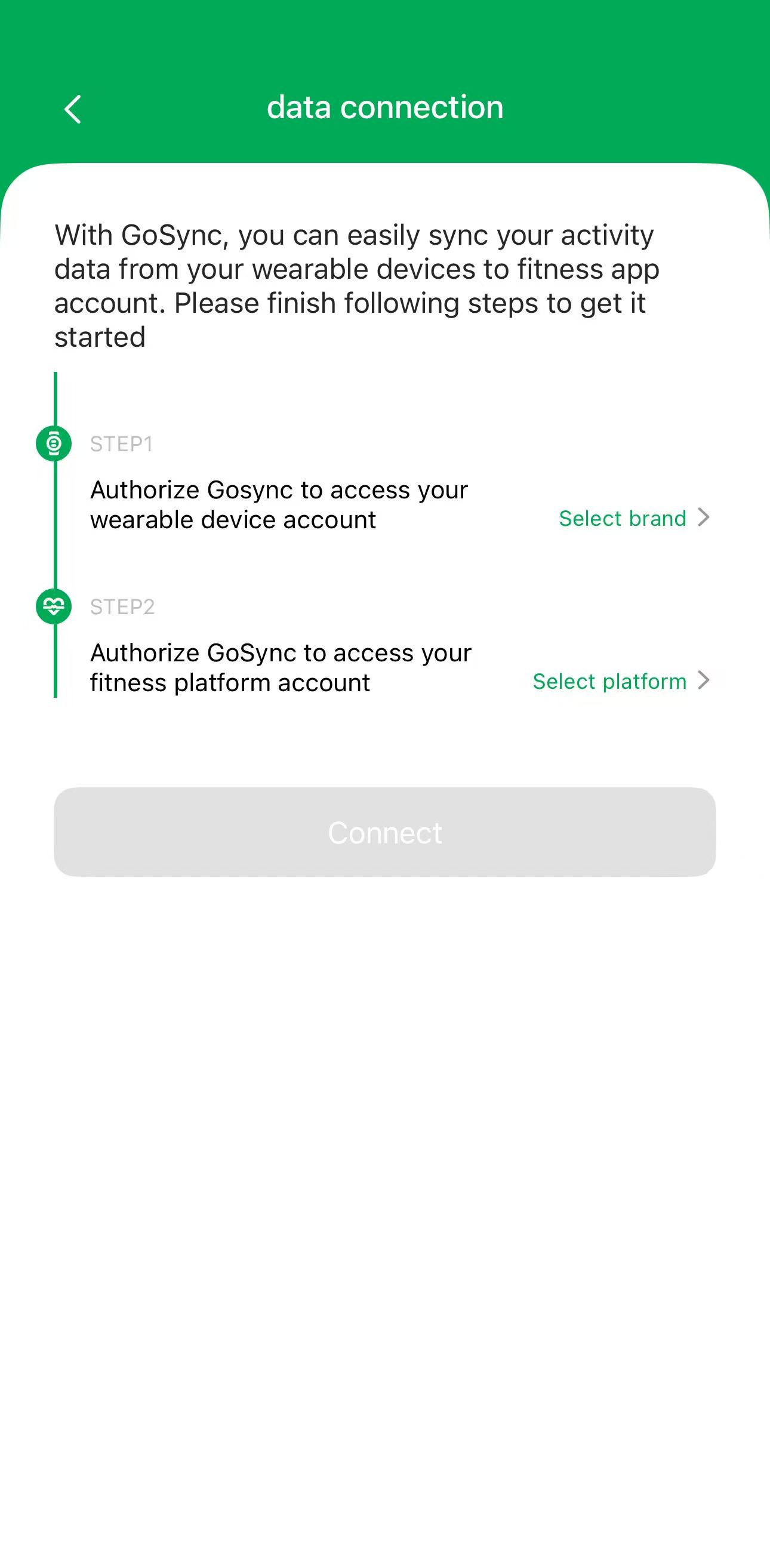
In this v1.1.6 update, the location for adding new connections has changed. New path: Settings > Data Connections > Tap to add a new connection.

Click here to download for iOS